 Hello Job Tracker
Getting started
New visitors start on the home page at hellojobtracker.com. Choose Get started free and the first visit is four short steps. Until they are done, the app keeps you on them (this guide, the Terms and the Privacy notice are always open). Sign in sits at the top of every step, for anyone who already has an account.
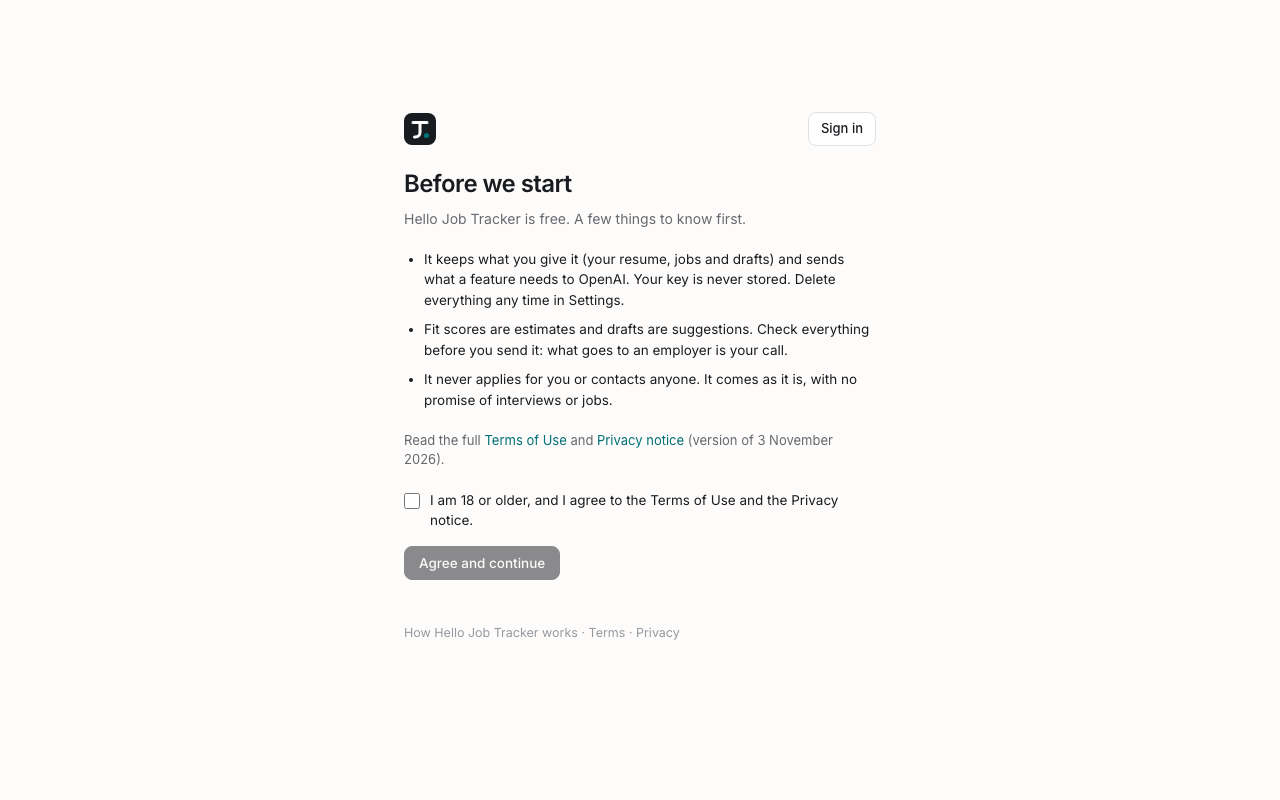
1. Accept the terms
The first screen sums up what to know in three lines and links to the full Terms of Use and Privacy notice. Tick I am 18 or older, and I agree… and choose Agree and continue. Nothing is saved for you until then. If the terms change in a way that matters, you are asked again.
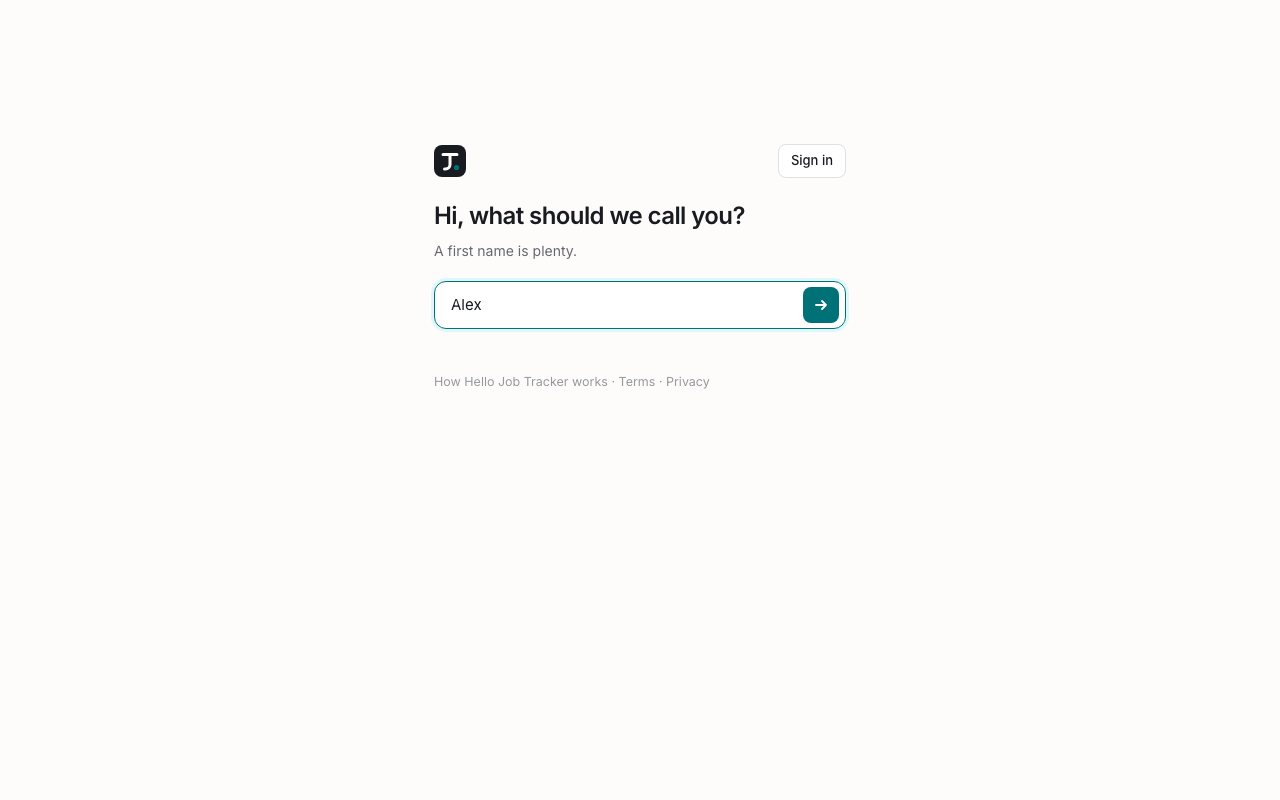
2. Tell us what to call you
One question. A first name is plenty; it is how the app greets you. It is not put on your documents: those use the name on your resume.
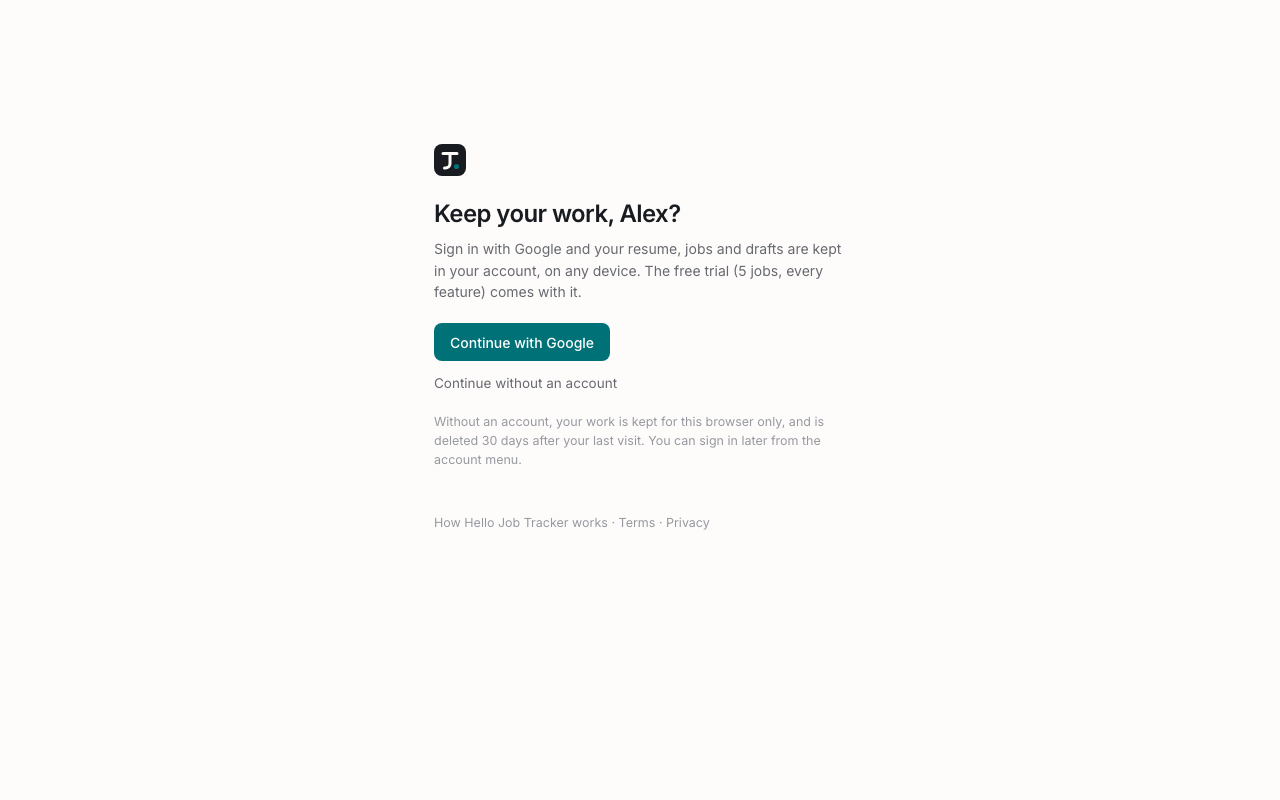
3. Keep your work?
Before anything is uploaded, the app offers an account. Continue with Google keeps your resume, jobs and drafts in your account, on any device, and comes with the free trial. Continue without an account keeps everything in this browser only, deleted 30 days after your last visit. You can sign in later at any time from the sidebar.
4. Add your resume, or the basics
Drop in your resume as a PDF or Word file, or choose Choose a file. Hello Job Tracker reads it into a structure (contact details, summary, roles with their bullets, education, skills and projects) and opens it on Profile → Resume so you can check every line before anything uses it.
Reading a file uses AI, so it needs the free trial (sign in with Google) or your own key. Without either, the upload box is greyed out and says what unlocks it (hover over it for why), and the short form below is already open instead:
- Your full name, as on applications
- The role you want, for example "Data Analyst"
- Where you are: pick a country, then a state, then a city
- Most recent job title and At which company (optional)
- About you: a few sentences in your own words
- Skills: type one and press Enter, then the next
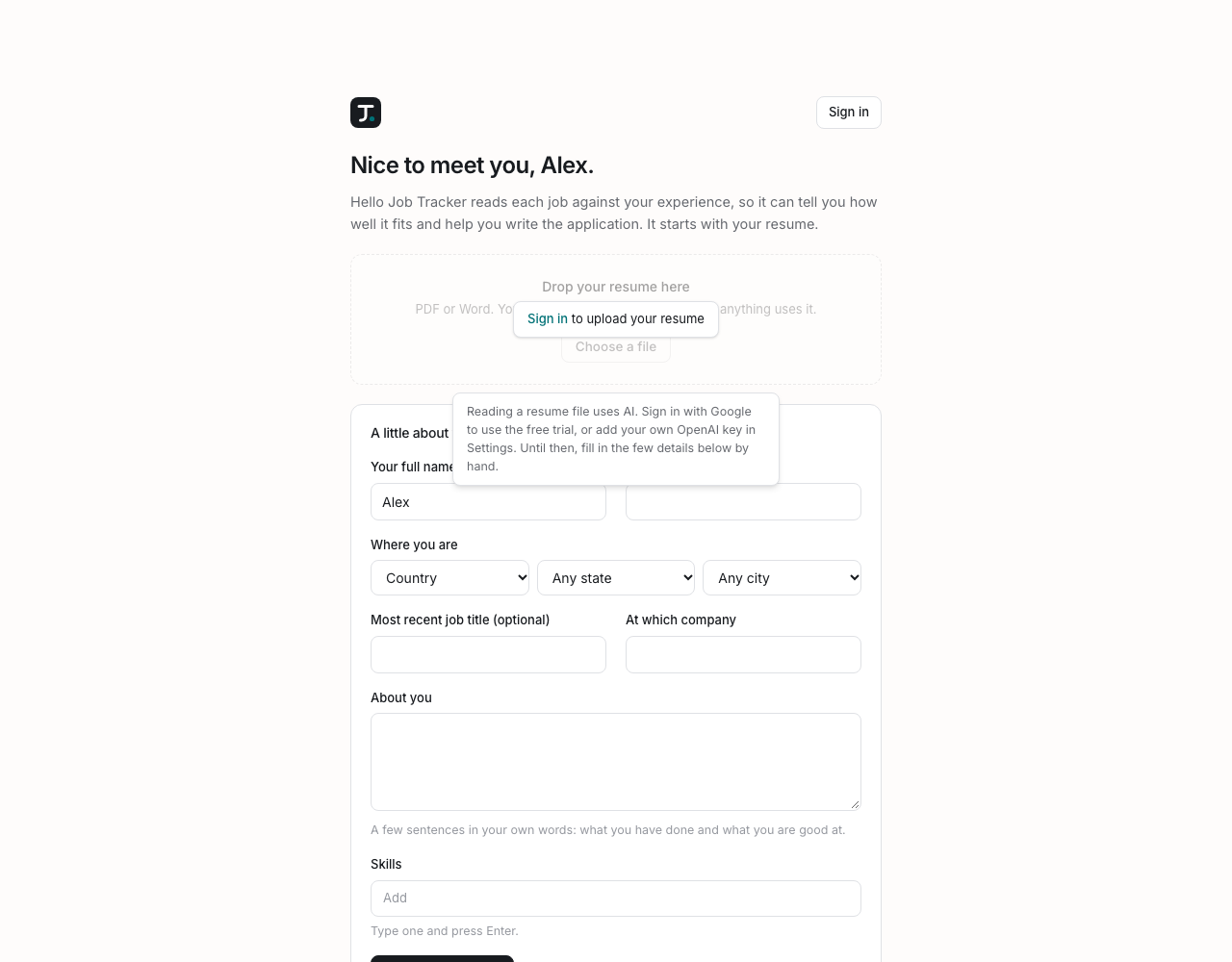
The form needs no AI, so it always works. It becomes your master resume, which you can fill out later or replace by uploading the file once you have signed in or added a key.
Every fit score and every draft is worked out against this profile, so it comes first. The Add job button appears once it exists; until then the sidebar says so, with a link back to the start.